Reply playback
Turn one of her replies into a voice memo, then play it as often as you like. Each new recording uses credits and counts toward a daily limit.
Last reviewed: 2026-10-14
Hear an AI girlfriend’s voice before you start chatting. Play Paige’s recorded greeting below, then open her chat. There her replies can come as voice messages, and you can speak your own message instead of typing it. New voice messages use credits and have a daily limit.
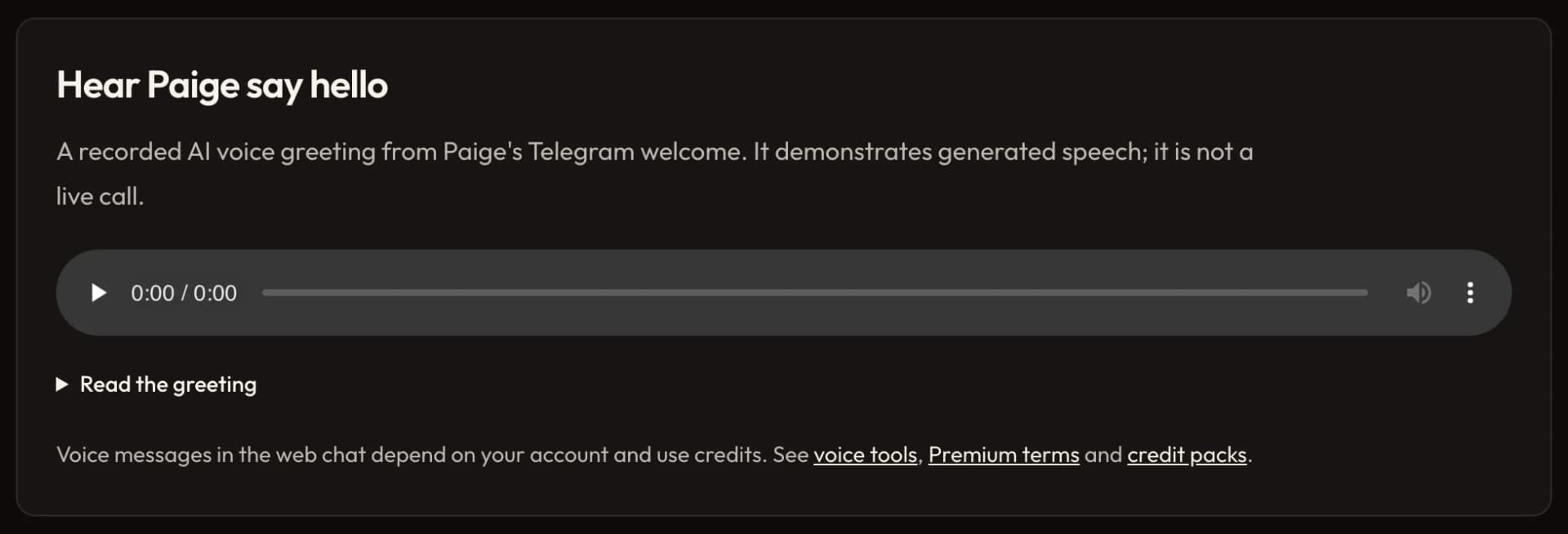
A recorded AI voice greeting from Paige’s Telegram welcome, the one she sends when you start her chat there. You can play it without signing in.
Hey, it's Paige. I just got back from the coast and I'm deciding what to cook tonight. I'm glad you're here. Tell me something about your day.
In the chat, voice messages use credits. See Premium terms and credit packs.
Like Paige's, each clip is the greeting that character sends when you start her Telegram chat. Her profile tells you more about her and has a few first messages to try.
Hey, it's Ada. I just wrapped up a long creative day and finally have a quiet moment. I'm glad you're here. What have you been up to today?
Hey, it's Celine. I just finished editing a manuscript and made some tea. I'm happy you stopped by. How's your day going?
Hey, it's Yelena. I just wrapped up a long design review and finally have a little time to myself. I'm glad you found me. What are you doing right now?
Hey, it's Mara. I just got back from guiding a long trail and put some music on. I'm really glad you're here. What's on your mind today?
Turn one of her replies into a voice memo, then play it as often as you like. Each new recording uses credits and counts toward a daily limit.
Record what you want to say, check and edit the transcript, then send it. You need microphone access and a browser that can record.
Pick a character profile or create your own, then open her chat. Not every character has every voice option.
Under a reply, tap Generate voice memo to hear it, or Play voice memo to listen again. A new recording uses credits and counts toward a daily limit; replaying one doesn’t.
Tap the microphone, say what you want, then tap stop. Your words appear in the message box as text you can edit, and nothing is sent until you press Send.
Most companion apps talk back now, but they ration voice in different ways. This is what each provider’s own pages said on September 28, 2026. We make tempteo and list it first, so check the linked sources before you choose.
| App | Voice messages | Source |
|---|---|---|
| tempteo | Voice messages: A reply can come as a voice memo in the chat. Each new recording uses credits. | Premium plans |
| Candy.ai | Voice messages: Voice notes use tokens. Paid plans include 100 tokens a month. | Candy.ai terms |
| Nomi | Voice messages: Voice messages in the chat. | Nomi FAQ |
| Kindroid | Voice messages: Free accounts get 5,000 audio characters in total. Subscribers get custom voices and 1 million audio credits a month. | Kindroid subscriptions |
| Replika | Voice messages: Voice messages and premium voices on the Pro plan. | Replika subscriptions |
| Character.AI | Voice messages: Custom character voices. | Character.AI lite |
Plans and limits change. Confirm them in the app or at checkout before you pay.
Yes. In a character’s chat her replies can come as voice messages, which use credits. Where voice input is offered, you can also speak your message instead of typing it.
Playback reads one of her replies aloud. Voice input turns what you say into a message you can check before sending. Each control shows its credit or plan requirement before you start.
Each new voice message uses credits, and playing it again doesn’t. Premium includes monthly credits, and one-time credit packs are also available. The recorded greetings on this page are free to play.
Yes. Each new voice message counts toward a daily limit that depends on your plan. Once you reach it, you can make new ones again the next day, and you can still replay the ones you already have.
In the comparison above, Nomi and Replika offer voice messages, Character.AI has custom character voices, Kindroid counts audio characters and Candy.ai charges tokens for voice notes. On tempteo, each new voice message uses credits. The limits differ a lot, so check the plan before you pay.
No. The voices are generated by AI, and there’s no human performer behind them. Each character’s chat shows which voice options she has.
For voice in the chat, yes: sign in to see which voice tools your account has. The greetings on this page play without an account, and the site runs in your browser, so you don’t need to install an app.

